Some like to have a million bajillion different softwares to handle all the tech needs you could ever possibly have and some just love to have one singular software and the rest on pen and paper.
And while I certainly lean more towards the having way too many, the main thing you need to know is this:
The wrong set of software and tools won’t just slow you down. It’ll cost you clients you can’t afford to lose, momentum in your growth and business development, and an ungodly amount of unnecessary hours every month.
EQBM is a solo studio, which means there's no IT department, no ops team, and no one to blame when something breaks except me.
So the tools I use aren't ones that I picked from the first search result on Google. They're the ones that have survived the reality of running a brand identity and web design business on my own – and survived my own sanity of trying to navigate and incorporate them into my processes.
Every tool on this list has earned its place. And I’ll tell you not just what I use, but why it works, because it might just help you get one step further in yours.
And before I get too far along, I do want to disclose that some resources below may contain affiliate links, meaning I get a commission if you decide to sign up through a link at no cost to you.
But just because I do, doesn’t mean that I don’t wholeheartedly trust and LOVE the tools listed.
Before I can do any kind of creative work, my business infrastructure has to be able to be able to handle onboarding without me doing every single little thing manually. The systems and workflow tools I use are the ones that handle all of the parts that aren’t glamorous to the business, e.g. contracts, invoices, client communication.
Dubsado is where my client relationships live during onboarding and offboarding. It’s where my proposals, contracts, invoices, onboarding questionnaires, workflows, automated payment email reminders, and client post-project check-ins are housed all in one place. It makes my client communication so easy, especially because I’ve built out templates for just about every service I offer. Yes, this does take time to set up, but when you prioritize a couple days to get all of it set up, it makes the time you spend on your clients faster and easier.
I also log all of my expenses and income through Dubsado since it offers a Chart of Accounts, making it easy to generate a profit and loss statement each month. (Fellow business owners, it’s so important that you know what you are bringing in and spending the most on every month! If you don’t have a CPA or aren’t wanting to use advanced software like Quickbooks, this platform is a must to get started.)
No shade to those of you still using Google Forms, PayPal invoices, or another platform. You do what works best for you at the current moment in your business. I’m just saying that if you find yourself spending tons of hours on administrative tasks, you should invest in a software that frees up some of that time.
Flodesk handles my email marketing, including From the Perch, my weekly newsletter. It’s built for brands that prioritize visuals in their marketing campaigns. And if you’re not design savvy or haven’t invested in a professional designer to help build your emails, they have templates that make it easy to turn your emails into your own. The system is also easy-to-use with a clean interface and links in places that make sense. (No searching around for the back button!)
They also have features for you to set up workflows for all of your freebies and digital downloads. And while I haven’t used it yet in my own business, you can send e-commerce emails where you can sell products, sell subscriptions, and email people that were so close to purchasing but abandoned their cart.
Google Workspace is the literal backbone of basically everything I do. It’s my email software, where I house internal documents, shared folders, and record my brand audits. I’m not going to oversell this one, because it’s Google. You already know what it’s about. But having it properly set up with a branded domain email (hello@eqbmdesign.co vs. eqbm@gmail.com) is one of those small things that quietly signals professionalism to your clients. It's not necessary to have a professional email, but the storage that comes with the business subscription is a must if you're just starting out and trying to save on costs.
Notion is basically my glorified note taker and internal document system. Ever since I lost all of my data when my computer crashed, I literally house everything on cloud based software. SOPs, content planning, price lists, and onboarding project notes are housed on Notion just to name a few. I actually used to host client project dashboards on this platform until I switched to one that provides different features. The reason I switched? While endlessly flexible, it was a bit too much for clients. They wanted something simple and straightforward. I also didn't want to spend a ton of time setting up client portals.
Square has been with me since day 1 in my business. While I used to send invoices through Square, it now just handles payment processing for all client projects and has a low barrier for understanding finances. It’s especially useful if you run point-of-sale for anything in person since you can purchase their equipment like card readers and modems.
Basecamp is the newest addition to my set of business tools. Remember how I said I switched from Notion to another platform for client project management? Well Basecamp is where I switched to. I was first introduced to the software when I was working for a freelance agency who used it for their projects. With Basecamp, I could create templates for each of my services, preparing checklists, project timelines, and all of the folders, questionnaires, and note pads I need to keep track of each step of the process.
It’s also not crazily designed and my clients can’t make edits like they would in Notion, so nothing gets moved around or lost. As a designer especially, I found it hard to get proper feedback in Notion or through something else like Asana, so Basecamp’s individual message boards ensure that feedback for each individual graphic is separated out and tracked. My clients also love the mobile app, especially on design days when they might be on the move and need to provide feedback on something.
Canva earns its spot specifically as a client tool. After a branding project wraps up, most small business owners need to be able to create their own content without accidentally going off-brand, and that’s where Canva comes in. I build branded templates for clients that make it easy to stay consistent, even without a designer on call. It’s not a replacement for professional design software (although I’ve certainly used it for on-the-fly graphics of my own), but it is a damn good handoff tool.
What would I do without Adobe? The Adobe Suite is the foundation of every original piece of design work I produce. I use Illustrator, Photoshop, and InDesign throughout my entire process to create logos, brand systems, and visual assets. If you’ve ever wondered what’s happening behind the scenes of a branding project, it’s mostly Adobe. It’s also the OG software for vectorization. Yes, there are other options out there, but Adobe is still one of the best for this IMO.
Vectorization refers to the creation of a design based on vectors rather than pixels. Vectors are very important to have in your logos and design collateral to ensure your graphics appear clear, unpixelated, and are ready for print.
Figma is where website design lives before it moves into development and is how clients can see their concepts. For more advanced projects, clients can preview animations and how users click from page to page. If you’ve worked with a designer and received a link to a shareable mockup you could click through and comment on, there’s a good chance it was built in Figma. It makes the review and feedback process cleaner for everyone involved.
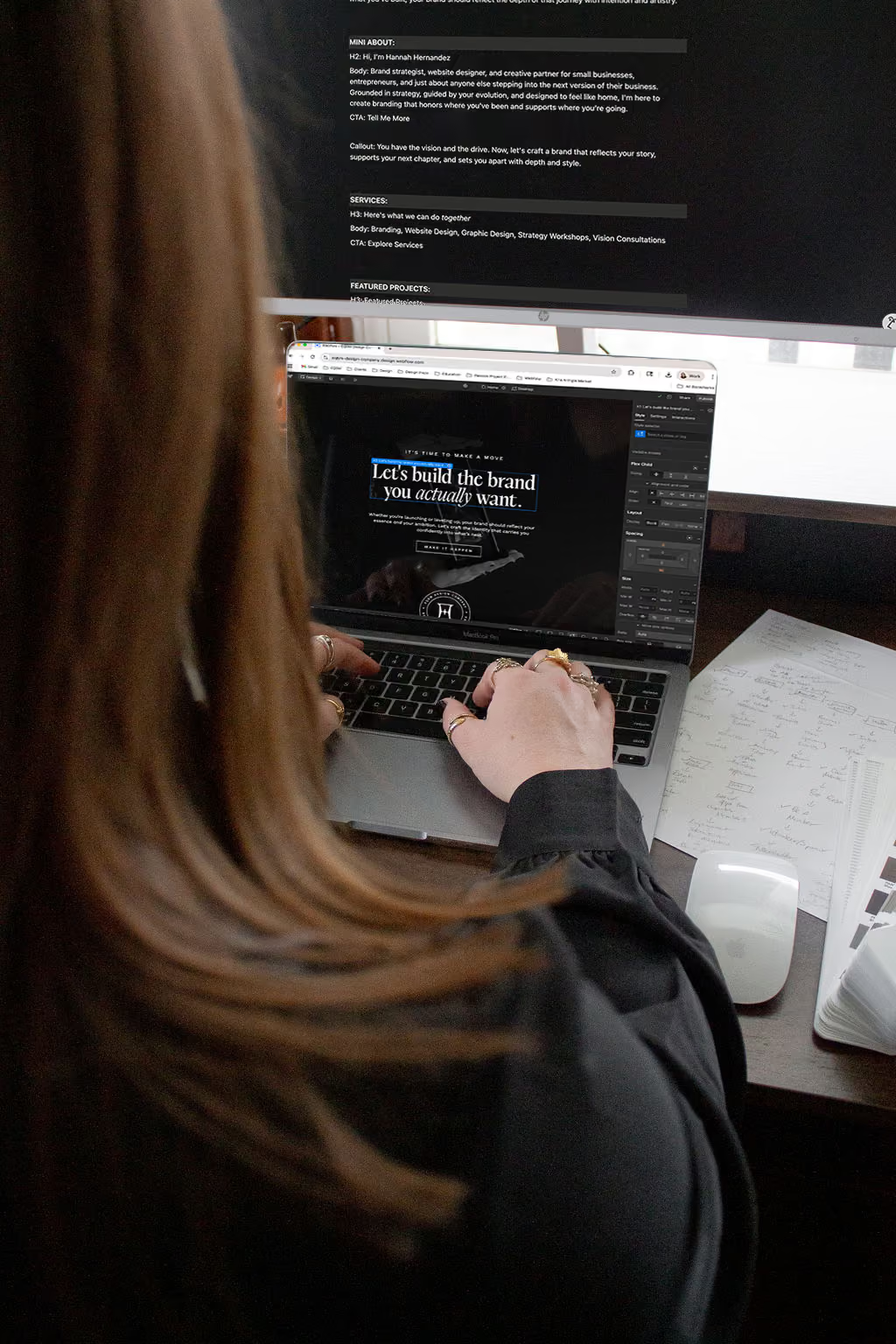
Webflow is where every client website I build lives, and I’m fully committed to it. Yes, I can work on other platforms like Squarespace and Wordpress, but Webflow is the one I prefer. It’s the most capable visual development platform available for producing real, clean code without writing every line by hand. Yes, it can be hard for someone who’s not a designer to learn how to use the software, but for my clients who are just updating their copy, collections, and images, it speeds everything up. It's also the only platform that lets you see how your site appears for almost every single device. The desktop editor cascades edits up to larger screen sizes and down to smaller screens, which cuts down on the amount of editing needed to be done for mobile or large monitors. (No more rearranging and moving things one square at a time like Wix and Squarespace.)
Zapier is the tool that makes all of the other tools talk to each other, so when something happens in one platform, the right thing automatically happens in another. For example, a new inquiry in Dubsado triggers a welcome email in Flodesk, or a completed inquiry form updates a Notion record without me touching it. It runs quietly in the background, but without it, I'd be manually bridging gaps between platforms all day. If you're running multiple tools and doing a lot of copy-paste between them, Zapier is what fixes that.
Whatever systems you use, double check that they work with each other and not against. You don't want to invest all of this time and effort transforming your systems only to find out that you can't embed your forms on your site because the new software has a closed system or doesn't allow you to do anything more than use their limited widgets and links. I highly recommend choosing the options that give you the most flexibility in the long run instead of limiting you.
But a bad set – or no business tools at all – will quietly chip away at the business you’re trying to build. Missed invoices, disorganized client handoffs, hours lost to administrative chaos that the right software would have handled in minutes.
What I’ve shared here is what a lean, intentional operation looks like from the inside. Take what fits your business where it is right now and leave the rest for later. And if you’re ready to invest in your brand with the same level of intention, that’s exactly what I’m here for. Explore my services.

Brand and Website Designer crafting strategic, elevated designs for visionary founders and their business.


Every Wednesday, this branding newsletter will bring you one real story, one sharp insight, and one reminder to help you show up more fully in your business.
And I'm here to help every decision, design, and message work towards the building the business and brand that you’ve imagined.
tell me more